 35413
35413
 2017-03-09
Creating groups in your Contacts can be helpful when you need to message the same groups of people multiple times. And it is much easier for you to find a friend from the contacts. This tutorial aims to teach you to create a contact group on iPhone 7 Plus.
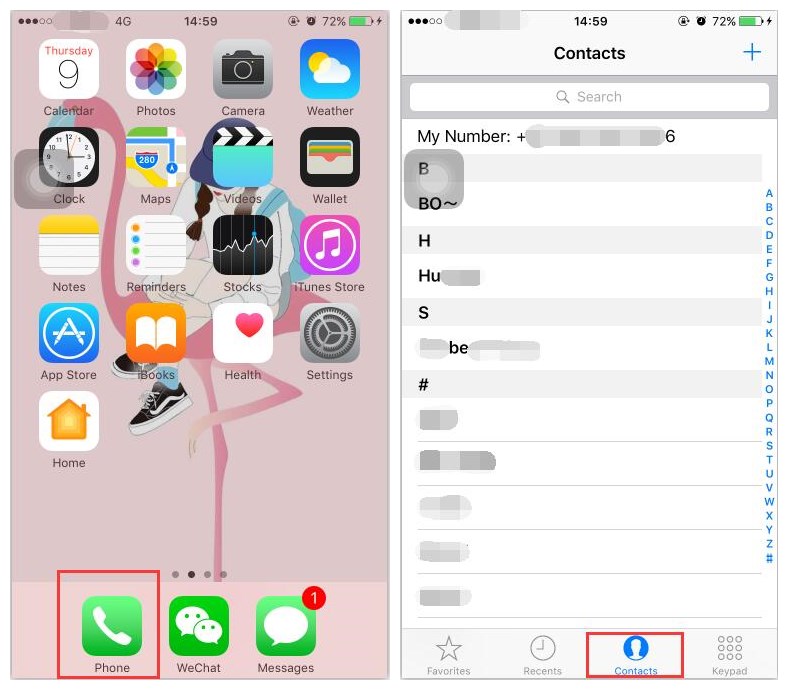
Step 1: Click the Phone icon in the homescreen of your iPhone. Click Contacts in the navigation bar at the bottom of the screen.
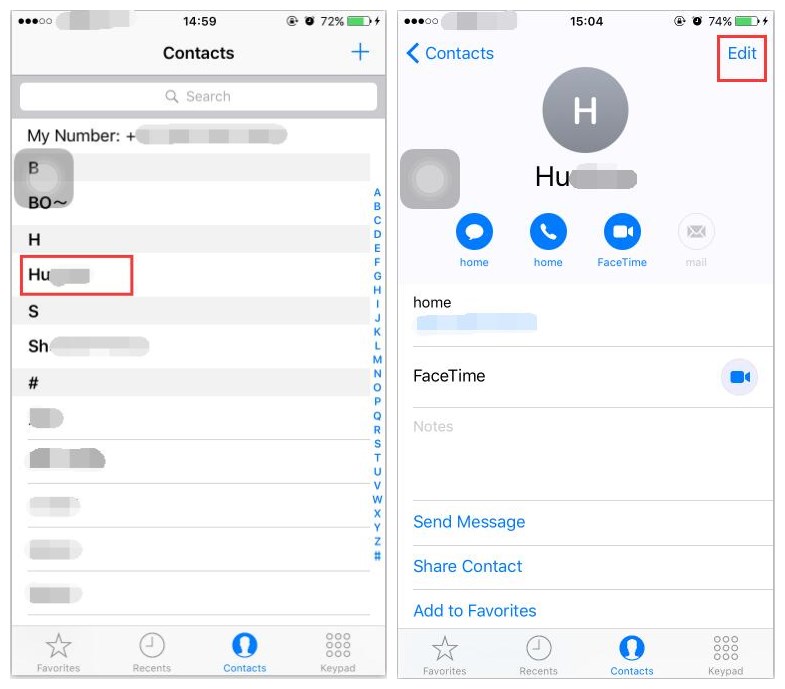
Step 2: Select one of your contact-> go to the detail information page -> click Edit.
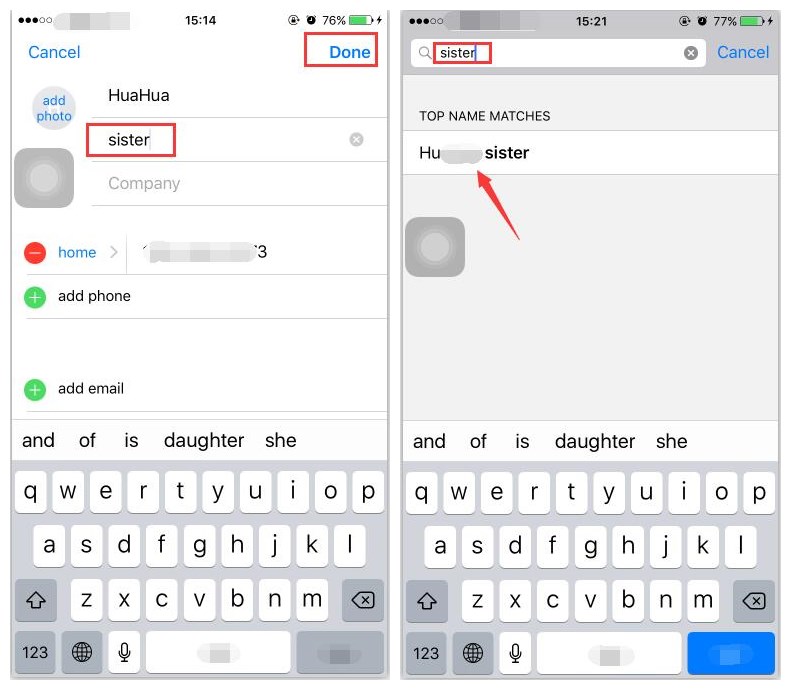
Step 3: You can create a new tab for this contact, such as sister, and click Done. As you see when you enter the tab in the search bar, iPhone will show you the related result.