
 73699
73699
 2018-01-23
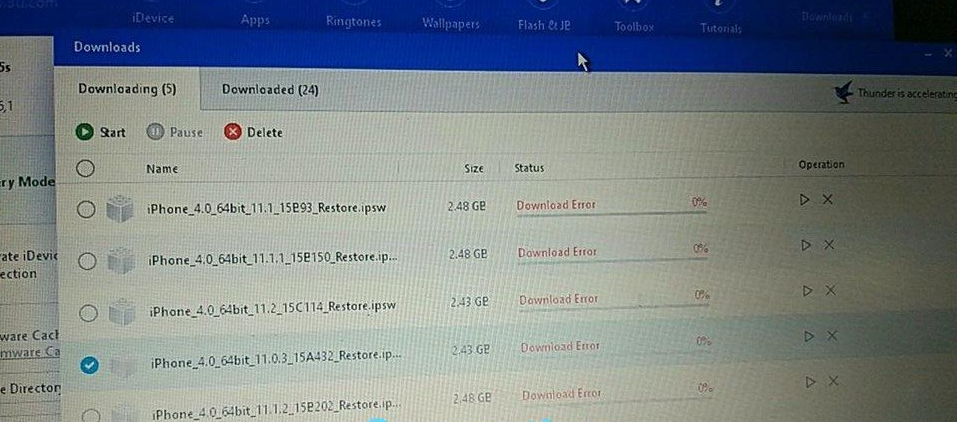
Some users may meet download iOS error on 3uTools, even though the network connection is normal.
Here’s the tips to solve this problem. Check your network connection before you download the .
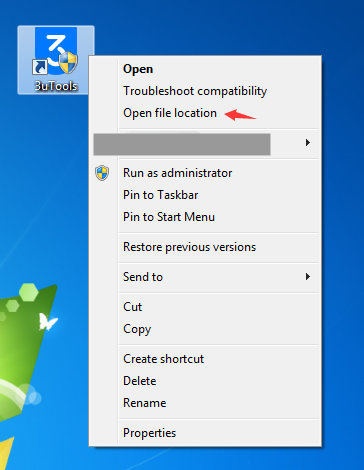
Step 1 Right click 3uTools, then then click “Open File Location”.
Step 2 Find out the file named “setting.cfg” and open it to edit.
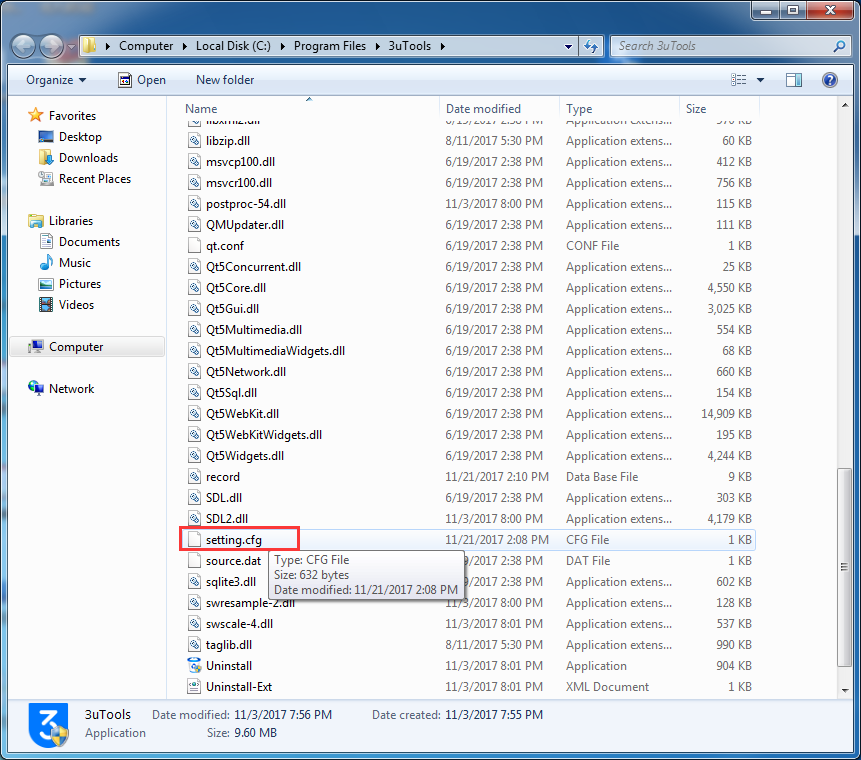
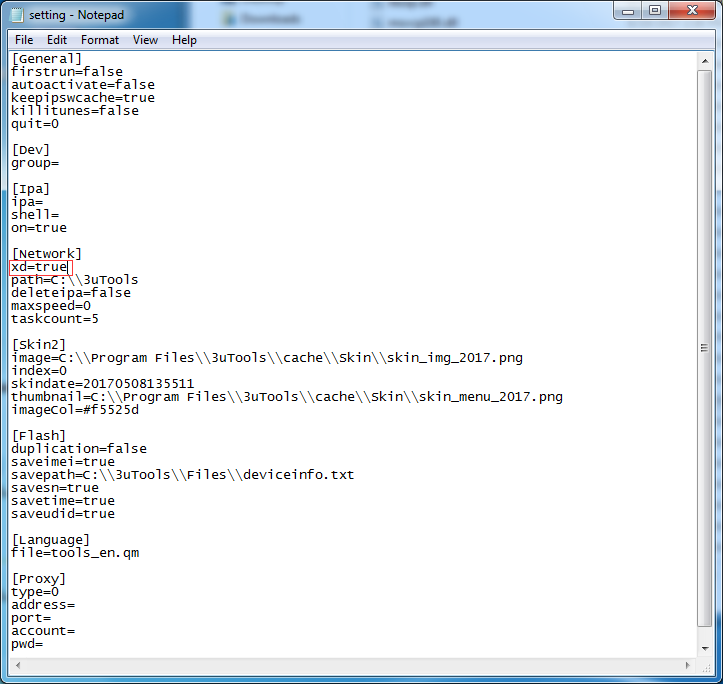
Step 3 Add “xd=true” below “[Network]” as the following picture.
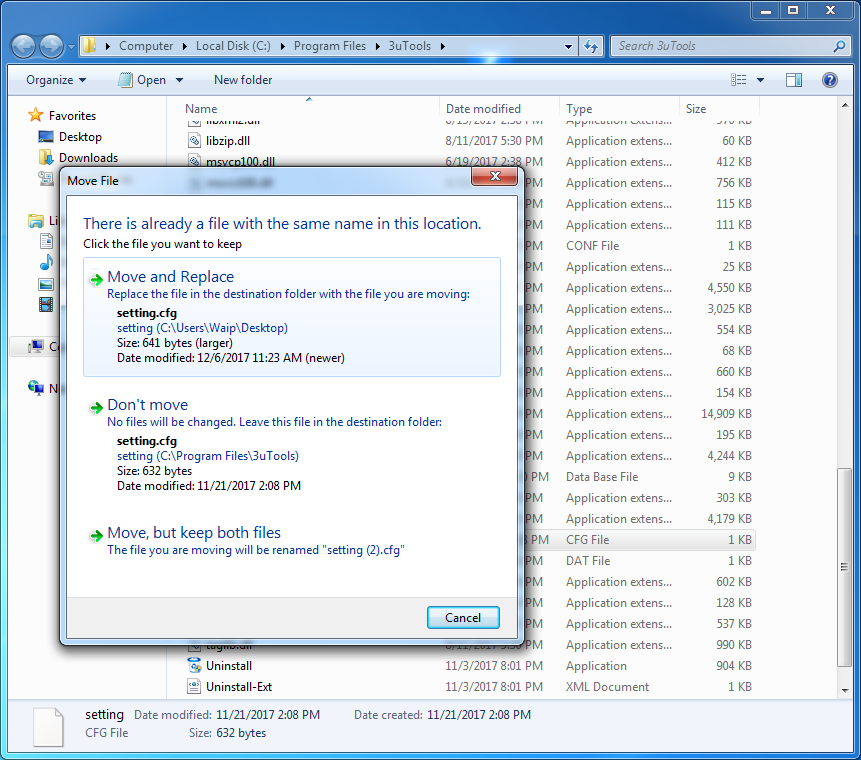
Step 4 You can save this new “setting.cfg” at any folder. Then replace this edited file to the folder of 3uTools.
Step 5 Re-launch 3uTools, and download iOS again.
If the download error still exists, please download the firmware from: http://www.3u.com/

