 6990
6990
 2018-03-09
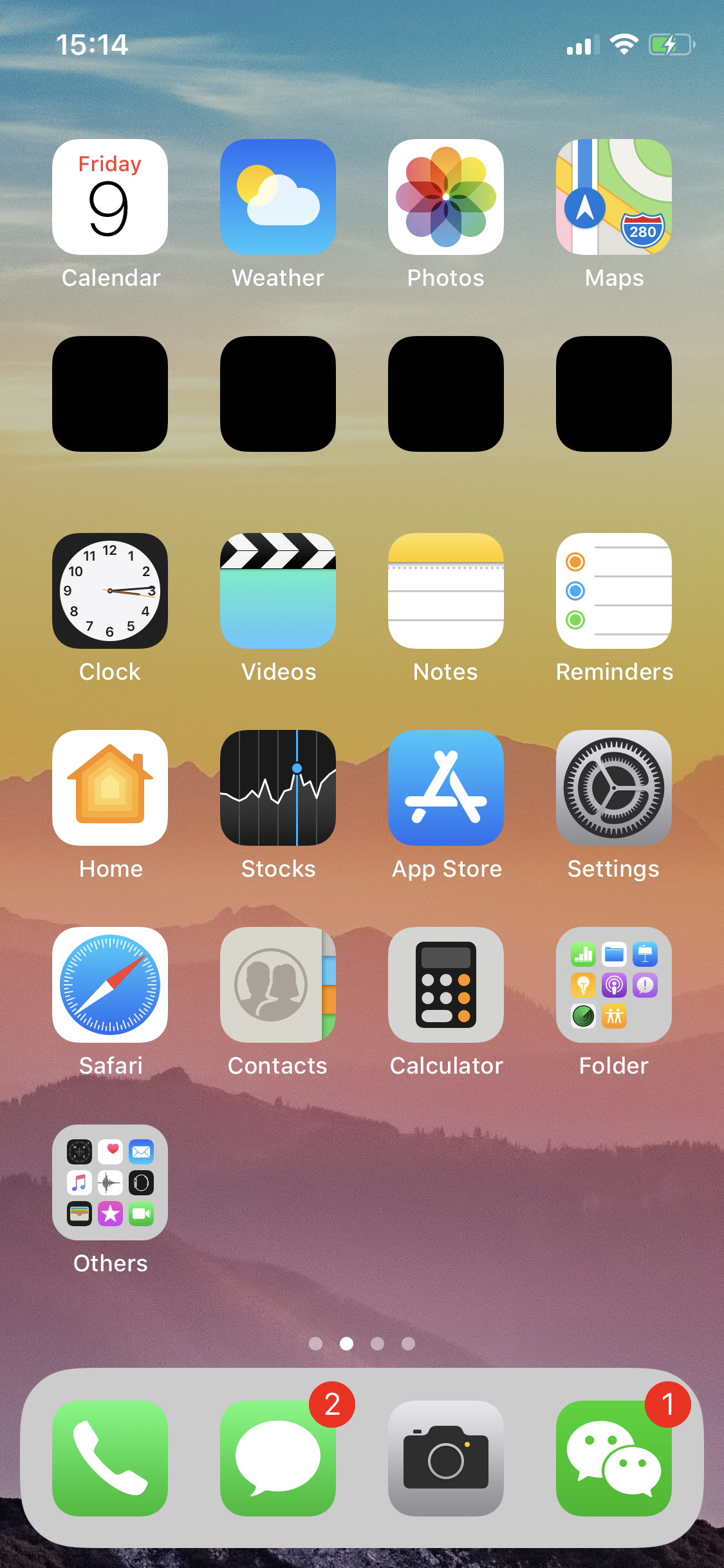
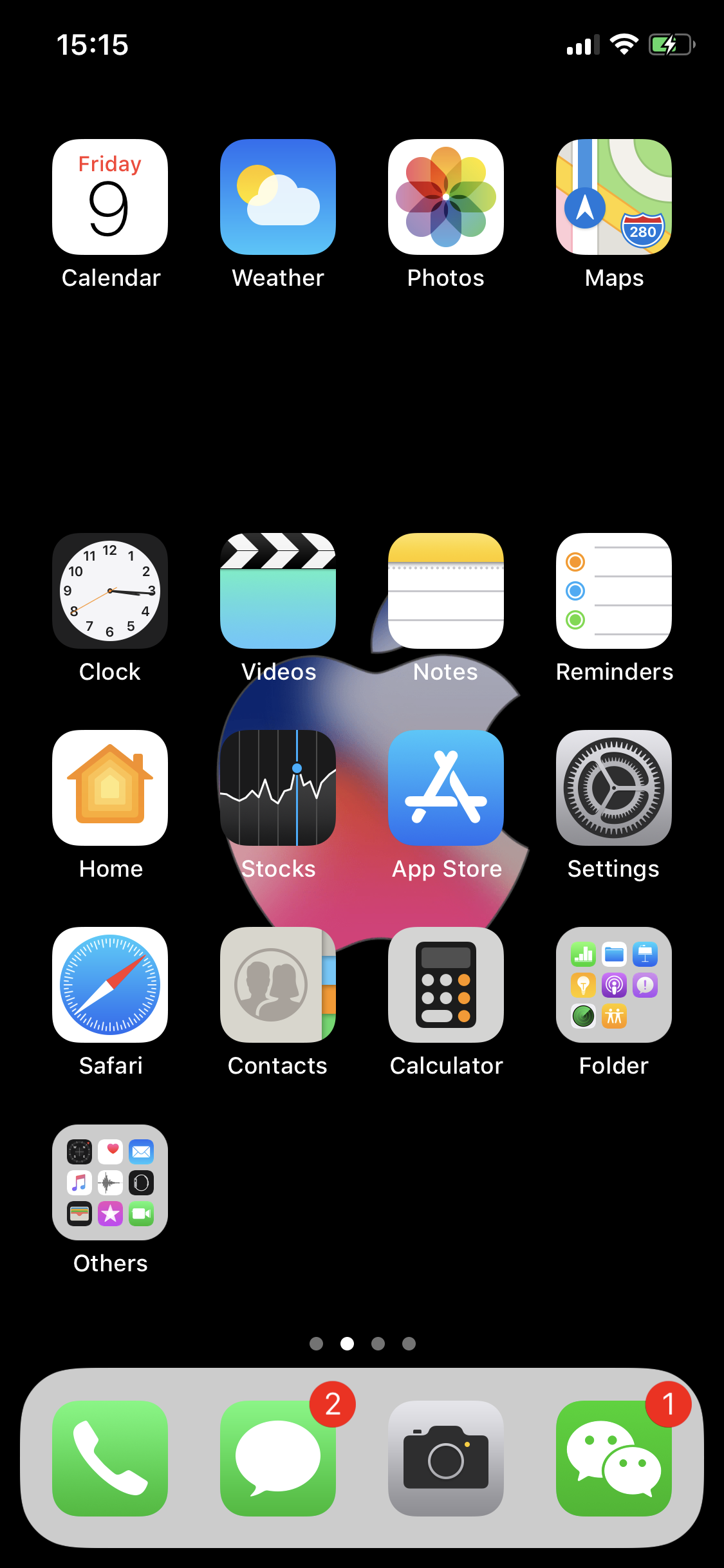
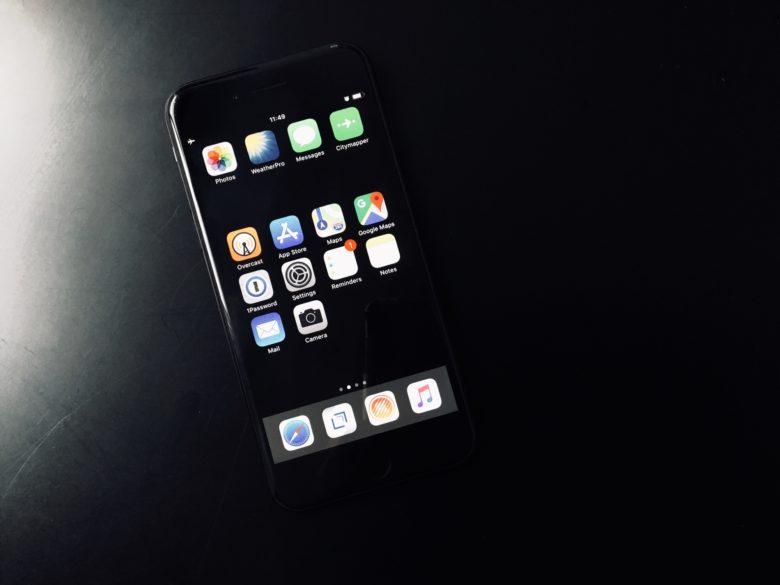
If you want to blank the homescreen without jailbreaking, the answer is to add blank icons to create those gaps. Then, you can add a blank row to organize your iPhone home screen, or move all your apps the the bottom of the screen instead of the top.
Process
Step 1 Launch this website on Safari, then tap the Action button on the toolbar.

Step 2 Tap the Add to Home Screen button from the Share Sheet.
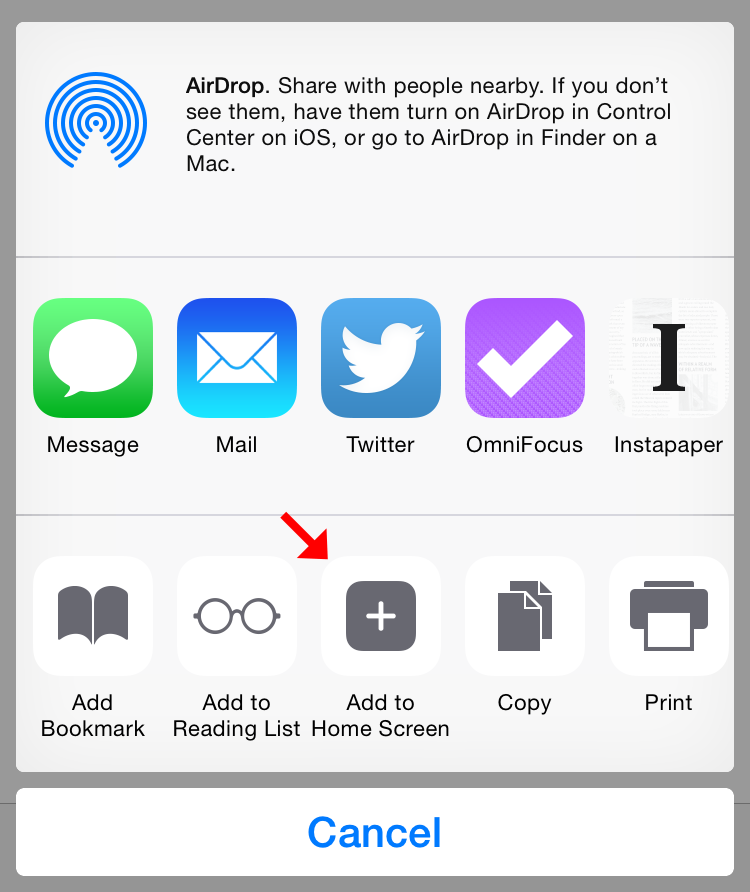
Step 3 Tap the Add button from the Share Sheet. Do not touch the title field, it will be pre-filled with an invisible character so that nothing shows below the icon.
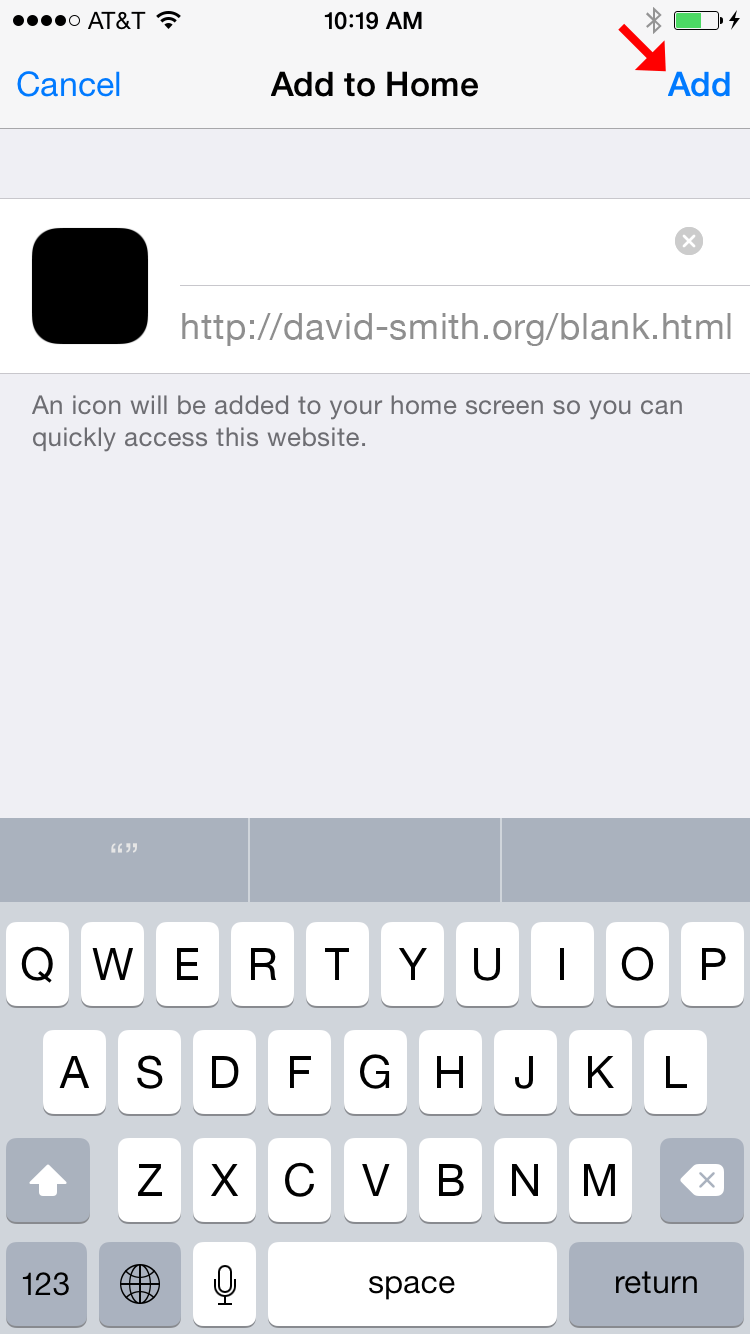
Step 4 Repeat for however many blanks you want.
Step 5 Now long-press the icon, then you can move it around in jiggle-mode, just like any other icon, to make your fancy layout arrangement. Then you can change a black wallper, you will see as below.