 222638
 2016-11-11
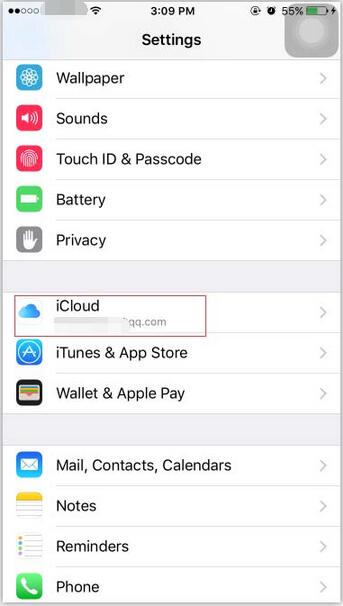
Step 1: Open the “Settings” of your iPhone, and select “iCloud”.
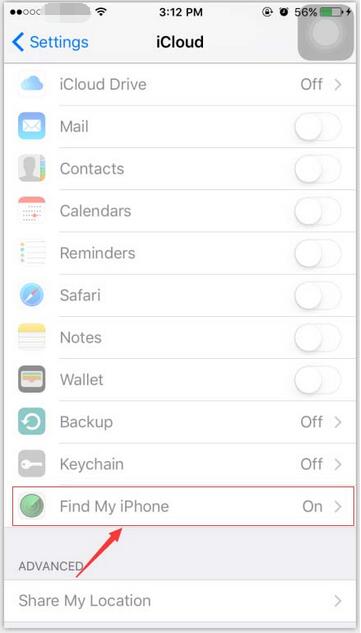
Step 2: Click "Find My Phone".
Step 3: Turn on “Find My Phone”.
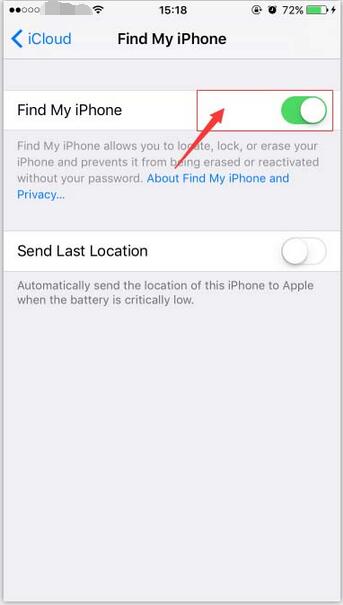
Step 4: Now you need to enter the correct password for your Apple ID, then click “Turn Off” .
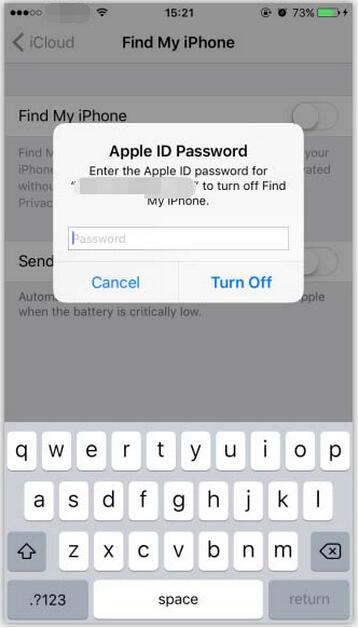
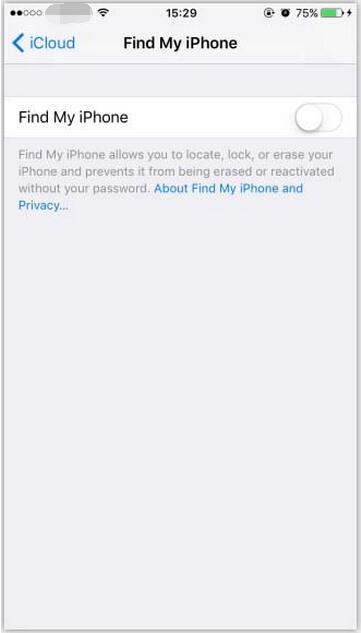
Step 5: “Find My iPhone” can be successfully turned off after you enter the correct password. Then your bound email will receive a reminder from Apple.